5 Practical Ways AI Can Help Your Business — Workflows and Implementation Steps
Explore five high-impact AI applications for businesses, complete with clear step-by-step workflows that show how each solution operates and how to implement it for measurable results.
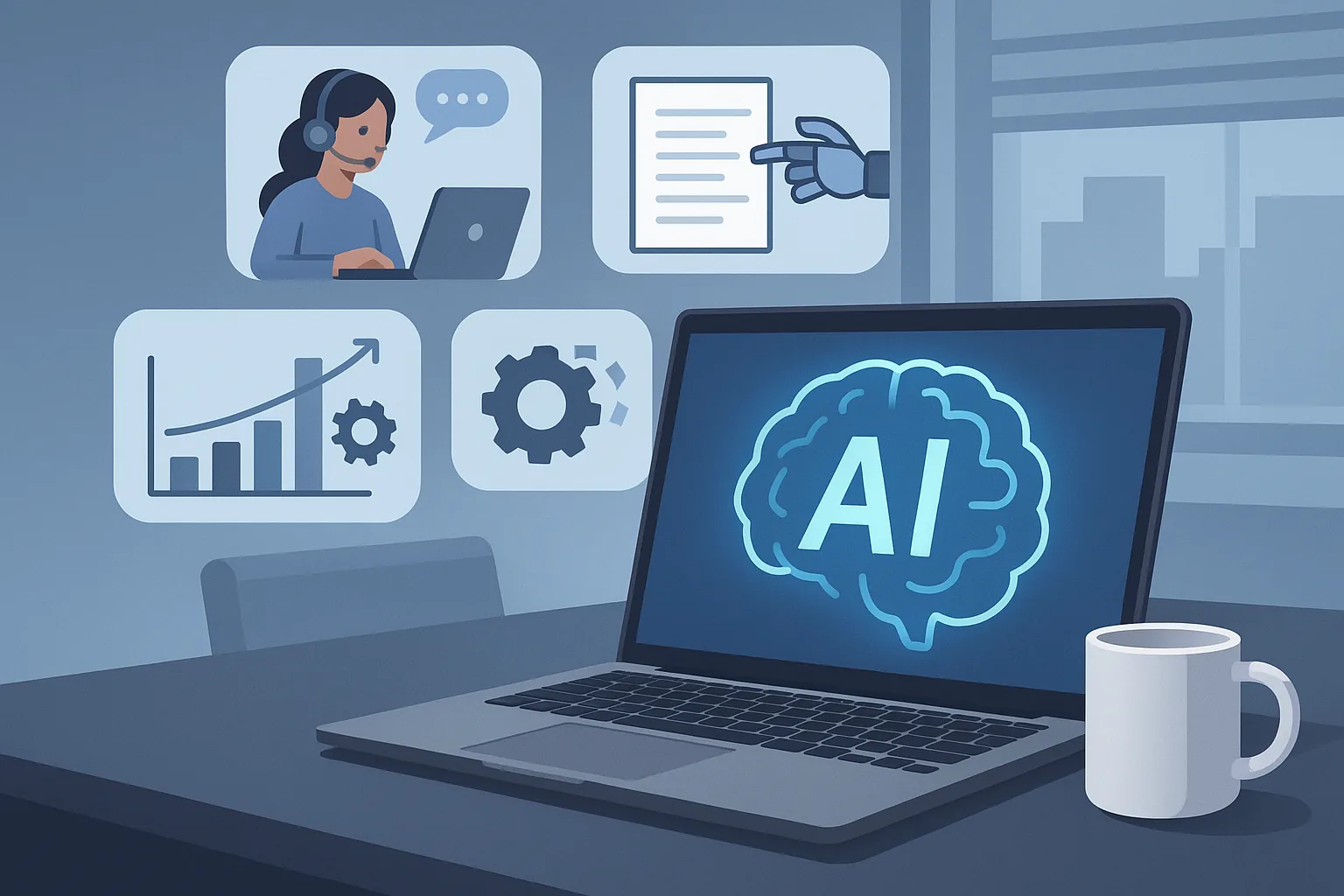
5 Practical Ways AI Can Help Your Business — Workflows and Implementation Steps
Artificial intelligence is no longer an experimental novelty. Today, AI is a practical tool that helps businesses automate routine tasks, make smarter decisions, and deliver better customer experiences. Below are five concrete AI applications you can adopt right now, each explained with a clear step-by-step workflow so you can visualize how the system operates and how to implement it.
Whether you are a small business looking to scale or an enterprise aiming to modernize, these use cases show where AI delivers measurable ROI. If you need help designing or implementing any of these, our team builds custom web and AI solutions tailored to your needs.
1) AI-Powered Customer Support Chatbot
What it does
An AI chatbot handles common customer queries, routes complex issues to human agents, and reduces response time and support costs.
Why it helps
- 24/7 availability
- Faster initial response and triage
- Reduced workload for human agents
- Consistent answers and analytics for continuous improvement
Step-by-step workflow
Data collection and intent mapping
- Gather transcripts from existing support channels: chat logs, email threads, and phone call summaries.
- Analyze common questions and group them into intents, such as billing, product setup, returns, and technical troubleshooting.
Training the language model
- Choose a conversational AI model (open-source or managed API) and fine-tune it with your intent-labeled examples.
- Add domain-specific vocabulary and canned responses for sensitive topics.
Designing conversation flows
- Create decision trees for each intent, including fallback options and escalation triggers.
- Add context management so the bot can remember prior messages within a session.
Integrations and connectors
- Connect the chatbot to your knowledge base, CRM, order system, and ticketing platform via APIs.
- Implement authentication flows for account-specific inquiries securely.
Live agent handoff
- Implement escalation logic based on intent confidence, keywords, or customer frustration signals.
- Transfer context to the human agent so they can see the chat history and bot-suggested solutions.
Monitoring and iterative improvement
- Track metrics: resolution rate, escalation rate, average response time, and customer satisfaction.
- Use logs to retrain the model, expand intents, and refine conversation flows over time.
Example outcome
A mid-sized e-commerce site reduced average response time from hours to seconds and cut repetitive queries handled by humans by 60% within three months.
2) Personalized Product and Content Recommendations
What it does
AI analyzes user behavior to recommend products, articles, or features that increase engagement and conversions.
Why it helps
- Increased average order value and retention
- Higher click-through and conversion rates
- Better discovery for long-tail items
Step-by-step workflow
Data ingestion
- Collect structured and unstructured user signals: page views, purchases, search queries, clickstreams, time on page, and explicit preferences.
- Store signals in a user-event store or data warehouse.
Feature engineering
- Create features that represent user interests and item characteristics: recency, frequency, category affinities, price sensitivity, and contextual signals (device, location).
- Enrich items with metadata such as tags, categories, and content embeddings extracted from text or images.
Model selection
- Choose a recommendation approach: collaborative filtering, content-based filtering, matrix factorization, or hybrid models with deep learning.
- For real-time personalization, consider a lightweight model served via an online feature store or use embeddings with approximate nearest neighbor search.
Training and validation
- Train models using historical interaction data and validate using holdout sets and business-aware metrics (precision@k, recall@k, purchase uplift).
- Test for bias and cold-start behavior.
Serving and A/B testing
- Deploy the recommender via APIs or embed into the front-end. Implement caching and personalization logic at different touchpoints (homepage, product pages, email campaigns).
- Run A/B tests comparing baseline rules with AI-driven recommendations.
Continuous learning
- Use online updates or frequent batch retraining to adapt to changing user tastes and seasonality.
- Monitor KPIs and refresh item metadata and embeddings.
Example outcome
A publisher increased session length by 45% and a retailer improved average order value by 12% after implementing AI-powered recommendations with targeted A/B testing.
3) Intelligent Document Processing and Automation
What it does
AI automates the extraction, classification, and validation of information from documents such as invoices, contracts, and forms.
Why it helps
- Faster processing of paperwork
- Fewer manual errors
- Reduced operational costs and improved compliance
Step-by-step workflow
Document ingestion and pre-processing
- Collect documents from email, uploads, scanners, and other sources.
- Clean images and PDFs: de-skew, denoise, convert to consistent formats.
OCR and text extraction
- Use an OCR engine to convert images to text.
- Apply layout analysis to detect tables, fields, and sections.
Information extraction
- Use named entity recognition (NER) and pattern matching to extract key fields like invoice number, date, total, supplier, and line items.
- For complex documents, use transformer-based models fine-tuned on labeled examples to identify clauses and semantic sections.
Validation and business rules
- Implement rules and cross-checks: totals should match line-item sums, date ranges, and vendor IDs.
- Flag anomalies and route for human review when confidence is low.
Integration with backend systems
- Push validated data into ERP, accounting, or contract management systems via secure APIs.
- Keep an audit trail for compliance and traceability.
Feedback loop
- Use human corrections to retrain extraction models and improve OCR post-processing.
- Track error rates, processing time, and manual review percentages.
Example outcome
A logistics company reduced invoice processing time from days to hours and cut manual entry costs by 70% by automating document workflows with AI.
4) Predictive Analytics for Operations and Maintenance
What it does
AI predicts failures, demand, or performance issues so you can act proactively and reduce downtime and costs.
Why it helps
- Prevents unexpected outages
- Lowers maintenance expenses by scheduling targeted interventions
- Improves inventory planning and resource allocation
Step-by-step workflow
Data collection from sensors and systems
- Aggregate telemetry from IoT sensors, machine logs, and operations databases.
- Standardize timestamps and units, and handle missing data.
Exploratory data analysis and feature creation
- Identify leading indicators of failure: vibration, temperature, error counts, throughput drops.
- Create derived features like moving averages, trend slopes, and seasonality factors.
Model development
- Choose model type: time-series models, supervised classification/regression, or anomaly detection models.
- Train models to predict time-to-failure, probability of incident in a time window, or forecast demand.
Thresholds and alerting
- Define operational thresholds and confidence bands that trigger alerts and automated actions.
- Prioritize alerts by risk score and potential impact.
Scheduling and automation
- Integrate predictions with maintenance planning tools to schedule inspections and parts procurement.
- Where safe, automate protective actions such as throttling or graceful shutdown.
Post-event analysis and retraining
- After incidents, perform root cause analysis and use data to refine models.
- Continually monitor model drift and revalidate performance.
Example outcome
A manufacturing plant reduced unplanned downtime by 40% using predictive maintenance models that forecasted motor failures with weeks of lead time.
5) Automated Marketing Campaigns with AI-Driven Segmentation
What it does
AI segments customers and optimizes messaging, timing, and channel selection for campaigns that yield higher conversion rates.
Why it helps
- More effective targeting and personalization
- Better use of marketing budget
- Automated experimentation and optimization
Step-by-step workflow
Data consolidation
- Combine CRM data, web behavior, transaction history, email engagement, and ad performance into a unified customer profile.
Customer segmentation and scoring
- Use clustering or supervised models to create segments: high-value, at-risk, new customers, and product-specific interest groups.
- Compute propensity scores for actions like purchase, churn, or product interest.
Message generation and personalization
- Use AI to generate personalized subject lines, email bodies, or landing page variations aligned with segment preferences.
- Personalize offers, images, and calls-to-action dynamically based on user profile.
Channel and time optimization
- Use reinforcement learning or multi-armed bandit approaches to select the optimal channel (email, SMS, push notifications, paid ads) and timing for each user.
Automated orchestration and delivery
- Build campaign workflows that automatically enroll users into sequences, pause based on user behavior, and escalate to human follow-up when appropriate.
Measurement and iteration
- Track lift metrics: conversion, revenue per recipient, and cost per acquisition.
- Continuously refine models and creative assets based on performance.
Example outcome
A B2B SaaS provider increased demo requests by 30% and reduced cost-per-lead by 25% after deploying AI-driven segmentation and personalized email campaigns.
Implementation considerations and common pitfalls
- Data quality matters more than model complexity. Invest time in cleaning and consistent labeling.
- Start small with a pilot project tied to a clear KPI, then scale once you have measurable gains.
- Security and privacy should be designed from day one. Ensure compliance with GDPR, CCPA, and industry regulations when handling personal data.
- Human-in-the-loop systems help keep edge cases safe and provide training data for continuous improvement.
- Monitor for bias and fairness, particularly when AI impacts customers or employees.
Why work with an experienced development partner
Implementing AI successfully requires more than models. It needs clean data pipelines, reliable APIs, UI/UX that surfaces AI insights properly, and production-grade infrastructure. Our team combines domain expertise in web and software development with practical AI engineering to deliver end-to-end solutions.
What we offer
- Strategy and discovery: prioritize AI initiatives with the best ROI and lowest risk.
- Data engineering: build pipelines, warehouses, and feature stores so models get trustworthy inputs.
- Model training and MLOps: train, validate, and deploy models with monitoring and retraining automation.
- API and system integration: connect AI features to your website, CRM, ERPs, and third-party services.
- Secure, scalable hosting: production readiness, logging, backups, and incident response.
- UX and frontend implementation: user-centric interfaces that complement automated workflows and improve adoption.
Proven approach
- Discovery workshop to align on objectives and KPIs.
- Rapid pilot to validate feasibility and measure impact.
- Incremental rollout with clear monitoring and rollback plans.
- Ongoing support, optimization, and scaling.
Get started
If any of the five AI applications above match your priorities, we can help you evaluate the data you have, design the right workflow, and deliver a secure, scalable solution tailored to your business. Contact us for a free consultation and project proposal, including a timeline and estimated ROI.
Ready to turn AI ideas into practical business outcomes? Reach out and let us build a dependable, measurable solution for your team.
Quick checklist to evaluate AI readiness
- Do you have a clear KPI or business problem to solve?
- Is relevant historical data captured and accessible?
- Can you integrate with existing systems via API?
- Do you have stakeholders willing to participate in pilots and feedback?
- Is there a budget for initial pilots and follow-up improvements?
If you answered yes to most of these, you are in a great position to begin.
Thank you for reading. For implementation support, case studies, or a tailored proposal, contact our team — we specialize in practical, production-ready AI and web solutions that deliver measurable business impact.