Reduce Manual Work with Automation: How Custom Next.js Development Can Save Time and Cut Costs
Discover common manual tasks that slow businesses down and learn how custom Next.js automation systems can reduce time, lower costs, and scale operations—practical steps, ROI examples, and why hiring a Next.js development team makes sense.
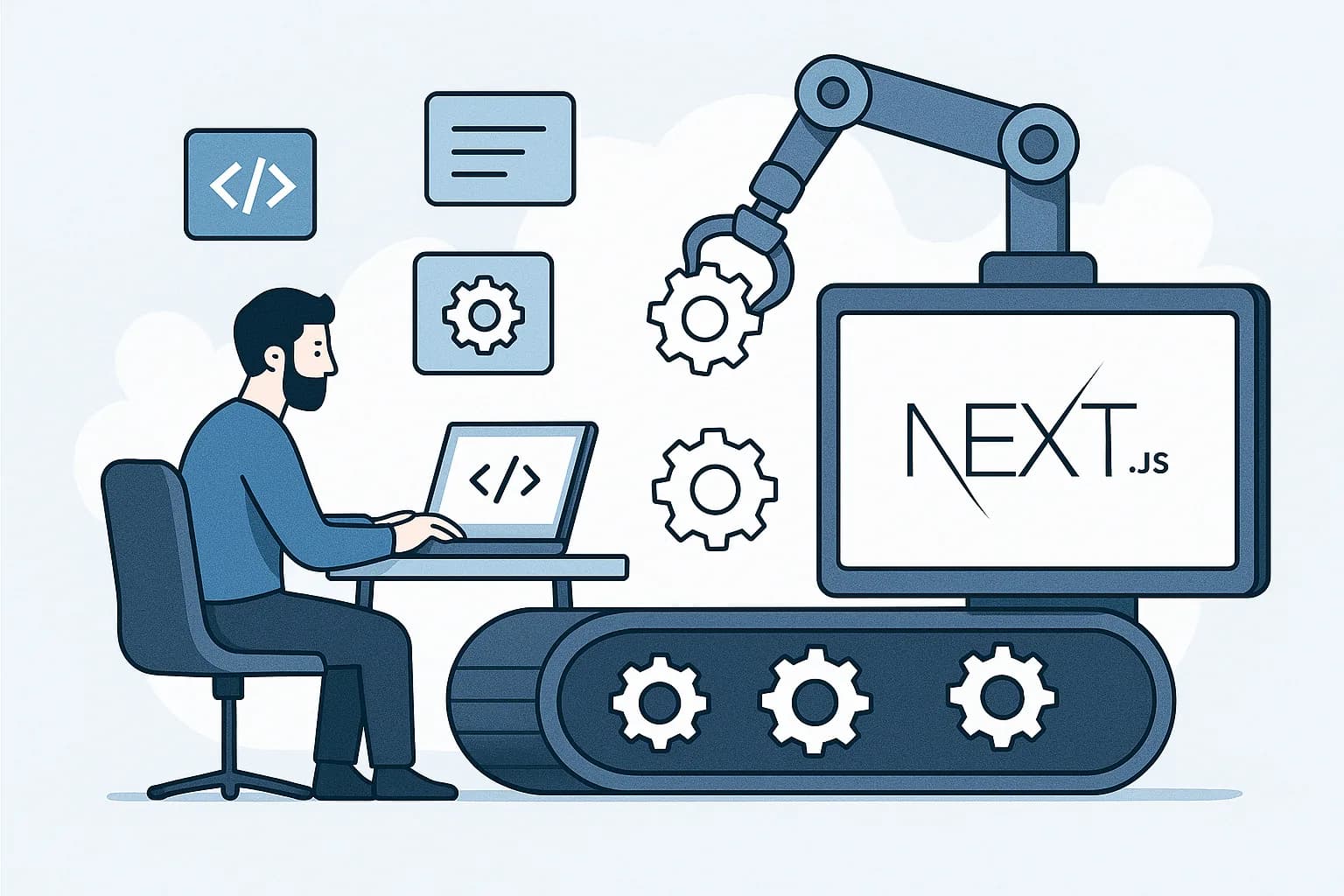
Reduce Manual Work with Automation: How Custom Next.js Development Can Save Time and Cut Costs
Introduction
Manual processes are everywhere in businesses of all sizes. From repetitive data entry to slow approval cycles, manual tasks consume staff time, introduce errors, and limit growth. This article lists the most common manual tasks organizations face, explains how automation helps, and shows why custom Next.js development is an ideal approach to build fast, secure, and scalable automation systems that reduce time and costs.
Whether you're an operations leader, CTO, product manager, or business owner, you'll find a practical framework to prioritize automation, evaluate ROI, and choose a development partner to build solutions that deliver measurable impact.
Common Manual Tasks and Repetitive Processes
Here are recurring manual processes many companies encounter. These are excellent candidates for automation because they are rule-based, frequent, and high-impact when streamlined.
Data entry and data migration
Copying data between spreadsheets, CRMs, ERPs, and databases.
Manual CSV uploads and column mapping.
Invoice generation and accounts receivable follow-up
Creating invoices, sending reminders, reconciling payments.
Order processing and fulfillment
Manual order picking lists, status updates, and shipment tracking.
Customer onboarding
Account setup, document collection, form validations, welcome emails.
Reporting and analytics
Generating periodic reports, consolidating KPIs from multiple sources.
Approvals and sign-offs
Purchase requests, contract approvals, time-off approvals.
Inventory updates and stock reconciliation
Syncing counts across systems, backorder updates.
Customer support triage and responses
Categorizing tickets, assigning agents, auto-responses.
Employee lifecycle tasks (HR)
New hire paperwork, access provisioning, offboarding workflows.
Scheduling and reminders
Appointment booking, confirmation messages, follow-ups.
Compliance checks and audit trails
Gathering logs, validating records, uploading evidence.
Reconciliation and periodic accounting tasks
Bank reconciliations, expense matching.
Marketing and social scheduling
Post queueing, content approvals, campaign reporting.
These tasks share characteristics that make them ideal for automation: predictable logic, repetitive execution, integration points (APIs), and measurable outcomes.
What Automation Means for Your Business
Automation replaces manual intervention with reliable, repeatable processes powered by software. Benefits include:
Time savings: Automating repetitive tasks frees staff to work on high-value activities such as strategy, customer success, and product improvement.
Cost reduction: Reduce labor hours and the risk of human error that lead to costly fixes or penalties.
Increased accuracy and compliance: Automated validation and audit trails ensure consistent adherence to rules and regulations.
Faster throughput: Processes complete in seconds or minutes instead of hours or days, improving customer experience.
Scalability: Automated systems handle growth without proportional increases in headcount.
Better data and insights: Structured automated inputs produce cleaner data for reporting and ML/AI initiatives.
Quantifying these benefits creates a compelling business case for automation projects.
Why Choose Custom Next.js Development for Automation Systems
Next.js is a modern React framework that brings performance, developer ergonomics, and built-in capabilities beneficial for building automation platforms:
Server and serverless capabilities: Next.js API routes, Edge Functions, and server-side rendering allow you to run automation logic close to users or scheduled tasks with low latency.
Fast UI and single-page app experience: Building dashboards, workflow editors, and monitoring tools with React components delivers a responsive UX for operations teams.
SEO and public-facing pages: If your automation system exposes portals or help pages, Next.js optimizes performance and SEO out of the box.
Incremental Static Regeneration (ISR) and caching: Efficiently render status pages, generated reports, or catalogs with low server cost.
Easy integration: Next.js plays well with third-party APIs, message queues, databases, and cloud services.
Developer productivity: A mature ecosystem and TypeScript support reduce bugs and speed development.
Custom development ensures the automation matches your business rules, integrates cleanly with existing systems, and builds in security and observability tailored to your requirements. Off-the-shelf tools are great for standard use cases, but complex workflows, custom validations, or unique integrations often need bespoke solutions.
Typical Architecture for a Next.js-based Automation System
A robust automation platform built with Next.js usually includes the following components:
Next.js front-end and admin UI
Workflow builders, dashboards, logs, and manual override controls.
Next.js API routes or dedicated serverless functions
Endpoints to trigger tasks, receive webhooks, and expose internal APIs.
Background workers and queues
Use managed queue services (e.g., AWS SQS, Redis/Sidekiq, RabbitMQ) or serverless invocations to run long-running jobs.
Datastore
Relational DB (Postgres) for ACID requirements, or NoSQL for document workloads.
Integrations
Third-party APIs (payment gateways, shipping providers, CRMs), webhooks, and ETL connectors.
Scheduler/cron jobs
For periodic tasks such as nightly reconciliations or batch report generation.
Authentication and authorization
Role-based access control, SSO, audit logs for compliance.
Observability
Logging, metrics, alerting (Sentry, Datadog, Prometheus), and process dashboards.
This architecture separates real-time user interactions from asynchronous processing, ensuring the UI remains fast while heavy tasks run reliably in the background.
Example Automation Use Cases with Next.js
Automated Invoice Processing
Trigger: Invoice template + invoice data submitted through a web form or backend API.
Flow: API validates data → worker generates PDF → PDF stored in cloud storage → notification sent to finance → payment reminders scheduled.
Benefit: Reduce invoice creation time from hours to minutes, fewer missed invoices, faster cash flow.
Customer Onboarding Portal
Trigger: New customer signs up.
Flow: Form validation, ID verification, provisioning of accounts, sending welcome emails, creating tasks for success team only when verification fails.
Benefit: Faster onboarding, consistent handoffs, improved conversion rates.
Order Fulfillment Orchestration
Trigger: Order placed in store.
Flow: Order validated → inventory reserved → fulfillment task created → shipping label requested via API → customer notified with tracking.
Benefit: Reduced fulfillment errors, improved delivery speed, automated inventory sync.
Automated Reporting and KPI Distribution
Trigger: Nightly scheduler.
Flow: Aggregate metrics from multiple systems → generate dashboards and PDF reports → distribute to stakeholders or upload to BI.
Benefit: Time savings for analysts, faster decision cycles.
HR Onboarding and Offboarding
Trigger: HR creates a new hire record.
Flow: Create accounts, provision tools, schedule training, manage equipment checklists, ensure access removal on termination.
Benefit: Safer and consistent employee lifecycle management.
Calculating ROI: Time and Cost Savings Example
Estimate conservative savings to make a business case:
Example: Company processes 1,000 invoices per month. Manual processing averages 10 minutes per invoice (data entry, verification, PDF creation, sending). That's 10,000 minutes/month = ~167 hours/month.
If average fully-loaded labor cost is $30/hour, monthly cost = 167 * $30 = $5,010.
Automate 80% of invoice tasks saving 133 hours/month = $3,990/month saved. Annualized savings = ~$47,880.
Implementation cost for a custom Next.js automation project might range (example) $40k–$120k depending on complexity. Payback period could be under a year in many scenarios with recurring monthly savings.
Include additional benefits such as fewer late payments, fewer penalties, and improved cash flow that amplify the ROI.
Security, Compliance, and Reliability Considerations
Automation systems touch sensitive data and often affect financials and operations. When building with Next.js and modern cloud services, ensure:
Data encryption in transit and at rest.
Proper authentication (OAuth, SSO) and role-based access control.
Audit logs and immutable records for compliance.
Rate limiting and retry strategies for external API calls.
Idempotent operations in workers to avoid duplicate processing.
Automated tests and CI/CD for safe deployments.
Backups and disaster recovery plans.
A professional Next.js development team will include these controls in the architecture and documentation.
Implementation Roadmap: From Manual to Automated
Audit and discovery
Map existing processes, identify frequency, cost, error rates, and integrations.
Prioritize use cases
Score processes by ROI, complexity, and risk. Start with high-impact, low-complexity tasks.
Design and prototype
Create UX flows, API contracts, data models, and a small prototype to validate approach.
Build iteratively
Implement core automation features, integrate with one system at a time, and expose admin UIs for monitoring.
Test and validate
Unit tests, integration tests, and run pilot with a subset of real data.
Deploy and monitor
Use CI/CD pipelines, staging environments, and production monitoring.
Iterate and expand
Add additional automation, optimize thresholds, and measure actual savings.
This iterative approach reduces risk and allows you to realize value early.
Why Hire a Dedicated Next.js Development Team
Deep framework knowledge: A team experienced with Next.js will design performant server and client logic that avoids common pitfalls.
Integration expertise: Automations often need connectors to legacy systems. A specialist team builds stable, maintainable integrations.
Faster delivery and quality: Proven patterns, TypeScript usage, testing, and CI/CD accelerate time-to-value.
Ongoing support and evolution: Automation is a living system; your partner should continuously improve reliability, add features, and respond to new needs.
We specialize in custom Next.js development for automation and have delivered systems that reduced manual workloads, improved accuracy, and produced strong ROI.
Practical Checklist to Decide on an Automation Project
Is the task repetitive and rule-based?
Does the task occur frequently or scale with growth?
Are there reliable integration points (APIs, feeds, exported files)?
Is there measurable cost or time associated with the task today?
Can automation improve compliance, accuracy, or customer experience?
If you answered yes to most of these, you should prioritize building an automated solution.
Final Recommendations and Next Steps
Start with a process audit: capture where time is spent and attach costs.
Build a prioritized backlog: focus on quick wins that demonstrate value.
Choose a development approach: custom Next.js development if you need tailored integrations, better UX, and long-term control.
Measure results: track time saved, error reduction, and cost savings to validate ROI.
If you'd like, we can conduct a free initial audit of your processes, identify the best automation candidates, and propose a clear Next.js-based solution with cost estimates and a timeline. Our team handles end-to-end delivery: discovery, UX, backend integrations, testing, deployment, and ongoing support.
Reduce manual work, cut costs, and scale operations with a custom automation platform built on Next.js. Contact us today to schedule a discovery call and receive a tailored automation roadmap and ROI estimate. Let us show you how automation can transform repetitive tasks into reliable, efficient processes that free your team to focus on strategic growth.