How AI Is Transforming Website Development in 2026 (Practical Guide for Next.js Projects)
In 2026, AI is no longer an experimental add-on — it's a core part of website development. This article explains how AI reshapes design, coding, content, and customer service for Next.js projects, lists practical tools, outlines benefits and limitations, and gives clear recommendations for businesses ready to adopt AI-driven websites.
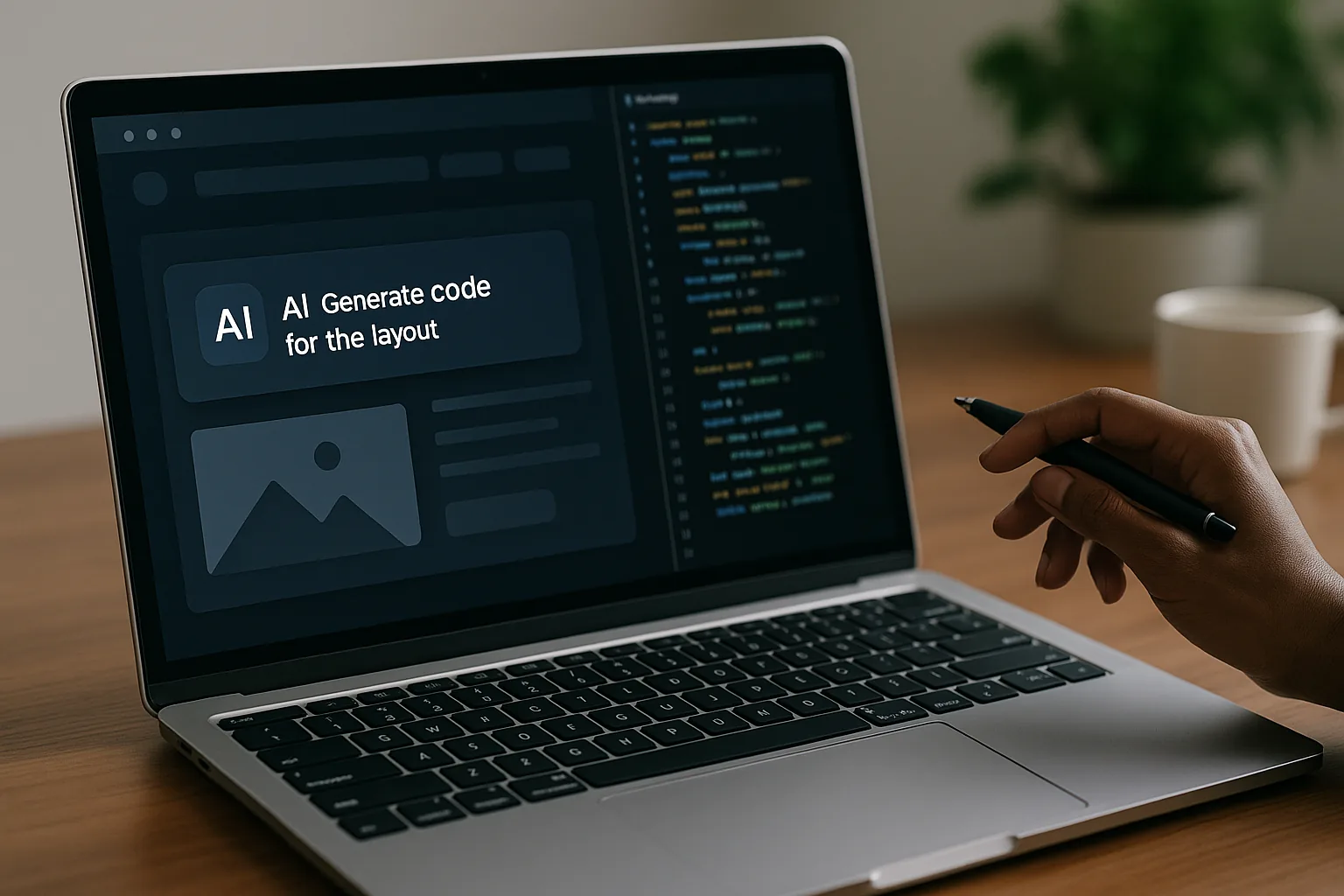
How AI Is Transforming Website Development in 2026 (Practical Guide for Next.js Projects)
The web development landscape in 2026 has moved from "AI-enabled" features to AI-first workflows. For businesses building custom sites with Next.js, AI now impacts every stage: design, prototyping, coding, content creation, deployment, and customer support. This article explains how AI changes each phase, highlights practical tools and examples, lists pros and cons, and provides an actionable roadmap for businesses that want to integrate AI into their web presence while minimizing risk.
Why Next.js and AI Are a Natural Fit
Next.js is a leading React framework optimized for performance, server-side rendering, and edge deployment. Modern AI tooling — from code assistants to retrievers and multimodal generators — pairs well with Next.js because:
- Next.js favors modular code and clear API boundaries, which makes it easier for AI tools to generate and refactor components.
- Edge runtimes and serverless architecture (Vercel, Cloudflare Workers) enable running inference close to users for personalization and low-latency AI features.
- The strong ecosystem (Vercel AI SDK, middleware, Turborepo) offers integration paths for LLMs, embeddings, and vector databases.
For companies offering custom Next.js development, understanding how AI augments each step is essential to deliver faster, smarter, and more cost-effective products.
1) AI in UX & Visual Design
AI has moved from generating static mockups to producing interactive design systems and responsive component libraries.
What AI does in design:
- Rapid prototyping: Text or voice prompts create multiple layout options and interaction flows.
- Component generation: Tools convert Figma frames into production-ready React/Next.js components with styles and accessibility hints.
- Design consistency: Auto-generated tokens for spacing, color, and typography to keep a single source of truth.
Tools and examples:
- Figma plugins (AI-assisted frame generation) that propose layouts based on user personas.
- Anima, Storybook integrations that export design to JSX/CSS modules automatically.
- Framer and Builder.io with AI content-aware layout suggestions.
Practical example:
A product manager provides a prompt: "Create a landing page for a B2B SaaS targeting logistics managers, emphasize speed and ROI." Within minutes the team gets three layout variations, generated hero copy, and a component list. The design is exported to code-ready components that a Next.js developer can integrate.
2) AI in Development & Code Generation
AI-assisted coding has matured into developer workflows where AI is a partner, not a replacement. For Next.js projects, this means faster scaffolding, refactoring, and testing.
Common developer uses:
- Scaffolding pages, APIs, and route handlers from high-level descriptions.
- Generating typed interfaces and GraphQL/REST clients based on OpenAPI specs.
- Writing unit and integration tests, including mocks for edge cases.
- Auto-documentation and inline comments that explain complex logic.
Tools and examples:
- GitHub Copilot, Copilot X, Tabnine, Codeium for inline code generation and completion.
- OpenAI (GPT-4o) and Anthropic Claude integrated in IDEs for larger design tasks.
- Vercel AI SDK enabling server-side actions invoking LLMs for personalized pages.
Practical example:
A Next.js developer needs an admin dashboard with real-time stats and role-based access. Using AI, they generate a page layout, role middleware, and a set of API routes with authentication scaffolding. The generated code still requires review, but the development cycle is cut by 40–60% for standard modules.
3) AI for Content Creation & SEO
AI now handles high-volume content needs while aligning with SEO best practices.
AI content roles:
- Generating SEO-optimized page copy and meta tags.
- Localizing and A/B testing variations of landing pages.
- Producing dynamic content (product descriptions, personalized recommendations) on the fly.
- Creating structured data (JSON-LD) automatically based on page context.
Tools and examples:
- OpenAI and Claude for long-form content generation and summarization.
- SurferSEO, Clearscope combined with LLMs for keyword-aware copy.
- Headless CMS platforms with AI writing assistants (Sanity, Contentful).
Practical example:
An e-commerce company uses AI to produce category descriptions, product copy, and localized meta descriptions. The team pipelines AI-generated drafts into a review workflow within the CMS. Combined with structured data output and internal linking suggestions from the AI, organic traffic grows while editorial costs fall.
4) AI for Customer Service & Engagement
AI-driven customer experiences have advanced from static chatbots to context-aware assistants that integrate with a website's data layer.
Capabilities today:
- Conversational agents that reference product catalogs, order histories, and knowledge base articles via vector search.
- Multimodal assistants that accept images/screenshots and produce actionable answers (e.g., "Why is this page rendering incorrectly?").
- Personalized UX adjustments based on user intent detection (e.g., change CTAs for price-sensitive users).
Tools and examples:
- ChatGPT and Claude integrated with embeddings (Pinecone, Milvus, Weaviate) to provide contextual answers.
- Vector databases + retriever systems powering knowledge-grounded chat on websites.
- Live agent augmentation where AI drafts responses and agents edit them.
Practical example:
A SaaS site embeds an AI assistant that can troubleshoot onboarding issues by querying logs and docs in a secure, read-only fashion. This reduces first-response time and escalations to engineering.
Benefits for Businesses
- Faster time-to-market: Reusable AI templates and code generators accelerate MVPs and feature rollouts.
- Cost efficiency: Automated content and test generation shrink overhead in marketing and QA.
- Better personalization: Real-time customized experiences can increase conversions and retention.
- Improved developer productivity: Engineers focus on architecture and critical features instead of repetitive tasks.
Limitations, Risks, and What AI Still Can’t Fully Do
Despite strong gains, AI is not a silver bullet. Key limitations:
- Hallucinations and factual errors: LLMs may invent APIs, return incorrect code, or produce misleading content. Always validate AI outputs.
- Security and privacy concerns: Integrating AI with user data can increase compliance burdens (GDPR, CCPA). Embeddings and retrieval systems must be designed to protect PII.
- Quality variance: Generated UI may need accessibility, performance, and SEO tuning. AI rarely gets everything production-ready.
- Intellectual property: Generated assets (images, copy) may have ambiguous licensing unless sourced from compliant models.
- Hidden costs: Running inference at scale (LLMs, multimodal models) increases hosting and API costs.
Best Practices and Recommendations for Businesses
- Start with low-risk use cases
- Pilot AI for internal tools, admin dashboards, or content drafts before exposing AI features to end users.
- Use AI for developer productivity (scaffolding, tests) to get immediate ROI.
- Maintain human-in-the-loop workflows
- Establish editorial review for all AI-generated content and code review gates for generated modules.
- Implement approval steps and version control for AI outputs.
- Secure and audit data flow
- Avoid sending raw PII to third-party models; use redaction, synthetic data, or on-prem/edge inference for sensitive operations.
- Log queries and responses for auditing and troubleshooting.
- Invest in retrievers and embeddings for accurate knowledge
- Combine LLMs with vector databases and up-to-date knowledge sources (product docs, internal FAQs) to reduce hallucinations.
- Keep index refresh policies to ensure the AI uses current data.
- Optimize for performance and cost
- Cache model outputs where appropriate and use smaller models for routine tasks.
- Use server-side inference (edge functions) for latency-sensitive features.
- Monitor UX and business metrics
- A/B test AI-driven experiences and track conversion, retention, and support metrics.
- Continuously iterate on prompts, instructions, and retrieval strategies.
Example Tooling Stack for a Next.js Project (2026)
- Frontend & Framework: Next.js (app router), React 19, Tailwind CSS
- IDE / Dev Productivity: GitHub Copilot X, Tabnine, Codeium
- Design: Figma with AI plugins, Framer for interactive prototypes
- AI Models: GPT-4o / Claude 3 / open models for hosted on-prem inference
- Embeddings & Retrieval: Pinecone, Weaviate, or in-house vector DB
- Content & CMS: Sanity or Contentful with AI plugins
- Deployment & Edge: Vercel, Cloudflare, or AWS Lambda@Edge
- Observability: Sentry for errors, Datadog for performance, and custom telemetry for AI usage
Quick Implementation Roadmap for Businesses
- Discovery (2–4 weeks)
- Identify 2–3 high-impact AI use cases (e.g., dynamic content, customer assistant, dev productivity).
- Audit data sources and compliance requirements.
- Prototype (4–8 weeks)
- Build a minimal Next.js prototype integrating one model (e.g., embeddings-powered FAQ assistant).
- Measure latency, accuracy, and user satisfaction.
- Harden & Integrate (6–12 weeks)
- Add security, caching, monitoring, and human review flows.
- Integrate with CMS and analytics.
- Launch & Iterate (ongoing)
- Run A/B tests and expand AI features as ROI proves out.
How a Custom Next.js Development Team Can Help
Hiring a specialized agency or team that understands both Next.js and AI reduces risk and accelerates outcomes. A capable partner will:
- Translate business goals into technical AI use cases and success metrics.
- Design secure data flows and governance around model inputs/outputs.
- Implement scalable Next.js architectures with edge-aware AI integration.
- Create maintainable code (type-safe APIs, tests) and train internal teams on AI operations.
If you need practical help, a reliable Next.js + AI development partner will provide a pilot within weeks, enforce review processes, and help you scale AI features responsibly.
Final Recommendations (Concrete Steps You Can Take Today)
- Run a workshop: Align stakeholders on AI goals, risks, and metrics.
- Start with developer enablement: Integrate Copilot or similar into your engineering workflow.
- Prototype one customer-facing feature: an AI-powered FAQ or personalized landing page using embeddings.
- Define governance: policy for data handling, model selection, and human review.
Conclusion
By 2026, AI is an indispensable accelerator for website development. For businesses building custom Next.js sites, AI reduces time-to-market, enhances personalization, and cuts operational costs — but only when combined with disciplined engineering, security, and human oversight. If you want to leverage AI without the pitfalls, work with a Next.js development team that can pilot, harden, and scale AI features while protecting your data and brand.
Ready to discuss a Next.js + AI pilot tailored to your business? Contact us for a technical audit and a proof-of-concept plan that demonstrates value within weeks.