Is Hiring a Website Truly One-and-Done? Costs Business Owners Should Know Before Starting
Thinking of hiring a developer once and never paying again? Learn the true costs of owning a website — one-time vs recurring expenses, Next.js advantages, and the questions to ask before you sign.
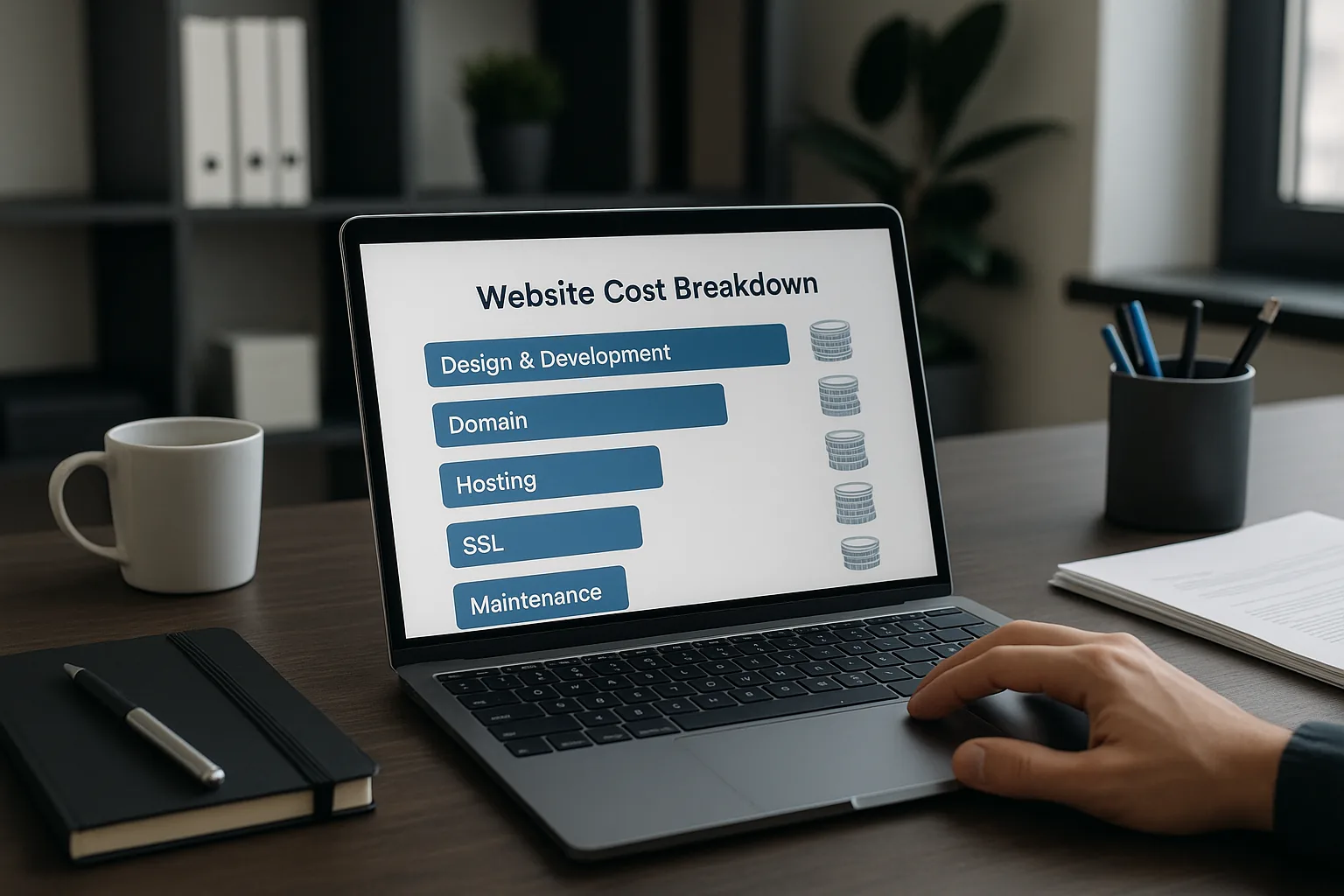
Is Hiring a Website Truly One-and-Done? Costs Business Owners Should Know Before Starting
If you’re planning to commission a website and hope to pay once and forget it, you’re not alone. Many business owners want a single payment up front and expect their site to run smoothly forever. In reality, a website is a product that requires occasional maintenance, updates and investments to stay secure, fast and effective.
This guide explains the typical costs you should expect when you build a website, compares one-time versus recurring expenses, highlights why a modern stack like Next.js can reduce long-term costs and improve ROI, and gives a checklist of questions to ask your web development vendor before you sign a contract.
Table of contents
- What “one-time” website really means
- Typical costs broken down
- Design and development
- Domain name
- Hosting and infrastructure
- SSL and security
- Ongoing maintenance and updates
- Adding new features later
- One-time vs recurring costs: comparison and scenarios
- How Next.js changes the cost and value picture
- How to budget and avoid surprise expenses
- 18 questions to ask before signing a web development contract
- Recommended contract clauses and service guarantees
- Final checklist and next steps
What “one-time” website really means
When people say they want to “pay once” for a website, they generally mean they want a single payment for the initial build. While you can pay only for an initial build and host it cheaply, that approach often leads to hidden costs later:
- Security patches and platform updates accumulate over time
- Hosting and domain renewals are recurring by nature
- Content and features need updates to remain competitive
- Compatibility with new devices, browsers, or business needs can require rework
A truly one-time approach can be valid for a static brochure site that never changes, but most businesses need flexibility and reliability that come with ongoing investment.
Typical costs broken down
Below are the common cost categories every business should consider. Costs vary by geography, complexity and vendor. Use these ranges as a starting point for budgeting.
- Design and development (one-time or phased)
- Small brochure site (template-based): $800–$4,000
- Custom business site using Next.js (5–15 pages, custom design, CMS): $4,000–$25,000
- E-commerce or feature-rich web application: $25,000–$150,000+
What affects price:
- Custom design vs template
- Integrations (payment gateways, CRM, analytics)
- Custom back-end or headless CMS
- Accessibility and SEO requirements
- QA, copywriting, and multilingual support
- Domain name (recurring)
- Typical cost: $10–$50/year for .com, country domains or premium names cost more.
- Consider renewal fees and privacy protection (WHOIS privacy $5–$15/year).
- Hosting and infrastructure (typically recurring)
Hosting can be inexpensive or enterprise-grade expensive depending on traffic and SLAs.
- Shared hosting / basic managed WordPress: $3–$25/month
- VPS or cloud server (self-managed): $20–$150/month
- Managed cloud platforms (Vercel, Netlify, Render) for Next.js: $20–$400+/month depending on usage
- Enterprise hosting and CDN: $500–$5,000+/month for high-traffic sites with support SLAs
- SSL and security
- Let’s Encrypt SSL: free and trusted for most use cases
- Commercial SSL or extended validation: $50–$500/year
- Security services (WAF, DDoS protection): $20–$1,000+/month depending on traffic and risk
- Ongoing maintenance and updates (recurring)
Maintenance covers software updates, backups, monitoring, and small fixes.
- Basic maintenance package: $50–$300/month
- Proactive maintenance and monitoring with faster SLAs: $300–$1,500+/month
- Hourly ad-hoc updates: $50–$200/hour depending on developer seniority
- Adding new features in the future (project-based or retainer)
- Small features (form, integration, small page): $200–$2,000
- Medium features (new module, payments, user accounts): $2,000–$15,000
- Large features (marketplace functionality, custom ERP integration): $15,000–$100,000+
One-time vs recurring costs: comparison and scenarios
Scenario A — One-time mindset: small brochure site built on cheap hosting
- Upfront cost: $1,200 for development + $200 for domain + $60 hosting for first year = $1,460
- Ongoing: domain renewal $12/year + hosting $60/year = ~$72/year
- Risks: no support, security patches ignored, slow page speed in long run, no SLA
Scenario B — Invest in a robust Next.js site with maintenance contract
- Upfront: $12,000 build using Next.js + $50 domain + initial hosting $120 = $12,170
- Ongoing: managed hosting $60–$200/month + maintenance retainer $300–$1,000/month
- Benefits: fast performance, better SEO, continuous security and updates, scalable features
Which is right? It depends on business goals. If you expect growth, transactions, or sustained marketing, Scenario B provides lower total cost of ownership and less risk over time.
How Next.js changes the cost and value picture
Next.js is a modern React framework optimized for performance and SEO. Choosing Next.js affects both upfront and long-term costs positively:
- Faster time to market with standardized patterns and tooling
- Superior SEO because of server-side rendering (SSR) and static generation (SSG)
- Built-in performance optimizations reduce hosting and CDN costs per visitor
- Incremental Static Regeneration (ISR) allows static pages to update without full rebuilds—faster and cheaper scaling
- Easier to extend: component-based architecture reduces future development time
For businesses that expect to scale, require strong SEO, or need complex integrations, Next.js often yields better ROI despite potentially higher initial development costs compared to a basic CMS.
How to budget and avoid surprise expenses
- Start with a clear scope: list features and content you need at launch vs later. Prioritize must-haves.
- Ask vendors to separate one-time build costs from recurring operating costs in the proposal.
- Factor in contingency (10–20% of project cost) for scope changes or unforeseen technical challenges.
- Choose a deployment and hosting plan aligned with expected traffic: cheap hosting can become expensive during outages or scaling events.
- Plan for analytics and conversion tracking from day one; retrofitting can be costly.
18 questions to ask before signing a web development contract
- Who will own the source code and intellectual property after delivery?
- Will I get access to the project repository (Git) and deployment pipelines?
- What exactly is included in the scope of work and what counts as out-of-scope?
- How do you handle content entry or will you deliver the site without content?
- What are the timelines and milestones for deliveries and approvals?
- What technologies and frameworks will you use (e.g., Next.js, headless CMS)?
- How will the site be hosted and what are monthly hosting costs and estimated bandwidth costs?
- Do you provide SSL, backups, and monitoring? Are those included in the price?
- What is your policy on security updates, dependency updates and patching?
- Do you offer a warranty or bug-fix period after launch and for how long?
- What are your payment terms, milestone-based or time-and-materials?
- How do you handle change requests and how are they priced?
- What support and maintenance packages are available and what do they cover?
- Who will be my ongoing point of contact after launch?
- What KPIs will you measure and will you provide a handover for analytics and SEO?
- Can you provide examples of similar projects and references?
- What testing and QA processes do you follow (cross-browser, accessibility, performance)?
- How do you handle backups, disaster recovery and data portability?
These questions help you understand not only the cost but the risk and future flexibility of your project.
Recommended contract clauses and service guarantees
- Deliverables list: clear list of pages, features and integrations
- Acceptance criteria: how you sign off on completed milestones
- Ownership and license: confirm transfer of IP and rights to use the site
- Support and maintenance terms: response times, monthly hours included, hourly rate for ad-hoc work
- Hosting and uptime expectations: SLA for uptime and incident response
- Backup and recovery: frequency of backups and restoration processes
- Security obligations: responsibility for patching, vulnerability fixes and costs
- Exit plan: how to migrate code and data if the relationship ends
Practical examples: expected cost buckets for a Next.js site
Basic marketing Next.js site (custom design, CMS, 5–10 pages):
- Build: $4,000–$12,000
- Hosting + CDN (Vercel basic/Pro): $20–$200/month
- Maintenance retainer (optional): $150–$600/month
Mid-size site with user accounts and integrations:
- Build: $15,000–$60,000
- Hosting: $100–$1,000+/month depending on usage
- Maintenance/DevOps: $500–$2,000/month
High-traffic e-commerce or SaaS product:
- Build: $50,000–$250,000+
- Hosting + enterprise CDN + monitoring: $1,000–$10,000+/month
- Dedicated support and product team: $5,000–$30,000+/month
Note: these ranges depend heavily on scope, integrations, compliance requirements, and SLAs.
Tips to lower long-term cost without sacrificing quality
- Use Next.js with a headless CMS to separate content updates from developer work.
- Invest in good architecture and documentation so future developers can work faster.
- Prefer managed platform features (Vercel, Netlify) that reduce DevOps burden.
- Implement monitoring and error reporting from day one to reduce downtime costs.
- Define a reasonable maintenance retainer to avoid paying premium hourly rates for emergency fixes.
Final checklist before you sign
- Confirm scope, timeline and fixed-price vs hourly terms
- Clarify recurring operating costs (hosting, domain, SSL, monitoring)
- Make sure code ownership and repo access are explicit
- Agree on post-launch support window and long-term maintenance options
- Ask for an itemized estimate and a change-request policy
- Validate vendor experience with Next.js and similar projects
Conclusion — Is a website ever really one-and-done?
For most businesses, the answer is no. A website is a living asset that benefits from ongoing maintenance, security updates and incremental improvements. However, you can structure agreements to minimize surprises:
- Pay for a solid initial Next.js build that emphasizes performance and modularity
- Schedule a clear maintenance retainer or pay-as-you-go plan for expected updates
- Keep hosting and essential services on known budgets
Investing a bit more up front in a well-architected Next.js site and a clear maintenance plan typically reduces total cost of ownership and delivers better business outcomes: faster load times, improved SEO, higher conversion rates and lower emergency costs.
If you’d like help budgeting or receiving a transparent proposal for a custom Next.js website, we specialize in building scalable, SEO-friendly web apps and marketing sites. Contact us for a free consultation — we’ll provide a clear breakdown of one-time and recurring costs tailored to your business goals.